RouterLogin.net Home

Category

Troubleshooting

18 articles

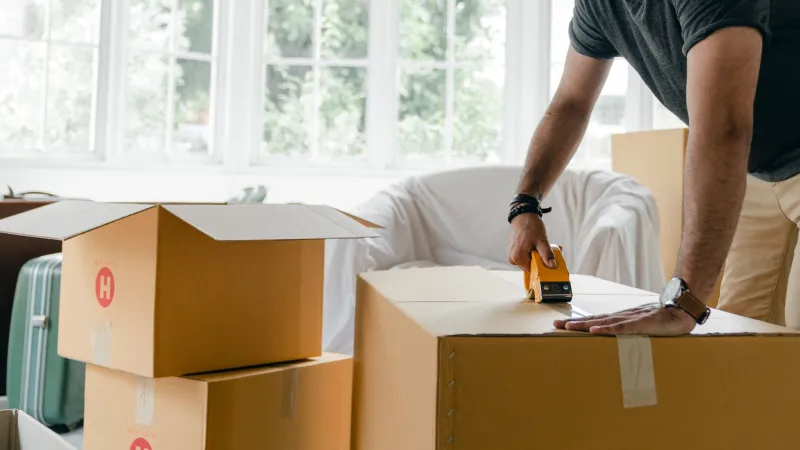
New Address, Old Router: The Hidden Baggage Your Network Carries When You Move

New Address, Old Router: The Hidden Baggage Your Network Carries When You Move

Plugging your old router into a new home's internet connection seems like the simplest part of moving day — but it can quietly drag years of stale settings, open port forwards, and channel conflicts into your new space. Here's why a clean network slate matters and how to achieve one in under an hour.

The 8 PM Squeeze: Why Your Router Buckles When Every Device in the House Wakes Up

The 8 PM Squeeze: Why Your Router Buckles When Every Device in the House Wakes Up

Game consoles, streaming sticks, security cameras, and a dozen smart bulbs all competing for bandwidth at the same hour can bring even a decent router to its knees. Here's what's actually happening inside your network at peak time — and how QoS, band steering, and smart prioritization can keep your video calls from freezing mid-sentence.

Slow Internet? Your ISP's Default DNS Could Be the Real Bottleneck — Here's the Two-Minute Router Fix

Slow Internet? Your ISP's Default DNS Could Be the Real Bottleneck — Here's the Two-Minute Router Fix

Most American households troubleshoot their router hardware when speeds disappoint, yet the true culprit is often the DNS configuration quietly assigned by their internet service provider. Switching to a faster public DNS resolver takes under two minutes inside your router's admin panel and can produce noticeable, measurable improvements. This guide explains exactly what DNS does, why ISP defaults frequently underperform, and how to make the change the right way.

Why Your Router's Admin Panel Refuses Outside Connections — And How to Access It Remotely Without Compromising Your Network

Why Your Router's Admin Panel Refuses Outside Connections — And How to Access It Remotely Without Compromising Your Network

Attempting to reach your router's login page from a coffee shop or office network will fail every time — and that is entirely intentional. The restrictions blocking remote admin access are a deliberate security measure, but they leave many users stranded when legitimate remote management becomes necessary. This guide explains the technical reasons behind those restrictions and walks through safe, practical methods for gaining access without opening your network to unnecessary risk.

Mesh System or Better Router Placement? How to Choose the Right Fix for Your Wi-Fi Dead Zones

Mesh System or Better Router Placement? How to Choose the Right Fix for Your Wi-Fi Dead Zones

Mesh networking systems are frequently marketed as the universal solution to poor Wi-Fi coverage, but for many American households they represent an expensive answer to a problem that simpler adjustments could resolve. Before committing to a mesh upgrade, it pays to honestly assess what is actually causing your connectivity issues — the answer may surprise you.

Dead Zones and Weak Signals: How Your Router's Physical Placement Is Undermining Your Entire Network

Dead Zones and Weak Signals: How Your Router's Physical Placement Is Undermining Your Entire Network

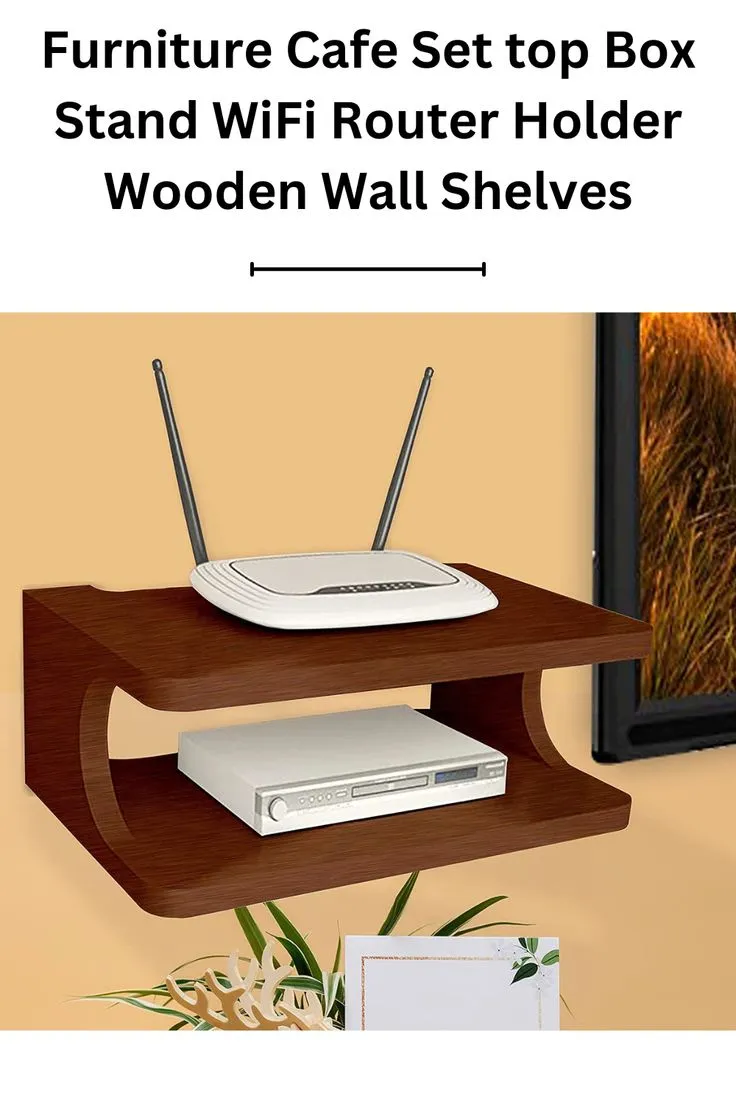
Most Americans troubleshoot slow WiFi by restarting their router or calling their ISP — but the real culprit is often sitting in plain sight: where the router is physically located. Understanding the physics of wireless signal propagation can transform your home network without spending a dollar on new equipment. This guide walks through room-by-room placement strategies to eliminate dead zones and maximize coverage throughout your home.

Seven Router Settings Most Users Never Touch — And Why They're Wrecking Your WiFi

Seven Router Settings Most Users Never Touch — And Why They're Wrecking Your WiFi

Intermittent WiFi drops are one of the most frustrating connectivity problems homeowners face, yet the root cause is rarely the router itself. In many cases, a handful of obscure configuration settings — left at their factory defaults — are quietly sabotaging your connection. This guide walks you through the seven most overlooked adjustments that can restore stable, reliable wireless performance.

Locked Out of Your Router? Here's How to Get Back In — and Make Sure It Never Happens Again

Locked Out of Your Router? Here's How to Get Back In — and Make Sure It Never Happens Again

Few tech frustrations are quite as disorienting as being locked out of your own router — the device that controls your entire home network. Whether you have forgotten your admin password, entered the wrong credentials too many times, or simply inherited a router with no documentation, this step-by-step guide covers every recovery method available for the most popular router brands sold in the United States, along with proven strategies to prevent it from ever happening again.