Dead Zones and Weak Signals: How Your Router's Physical Placement Is Undermining Your Entire Network
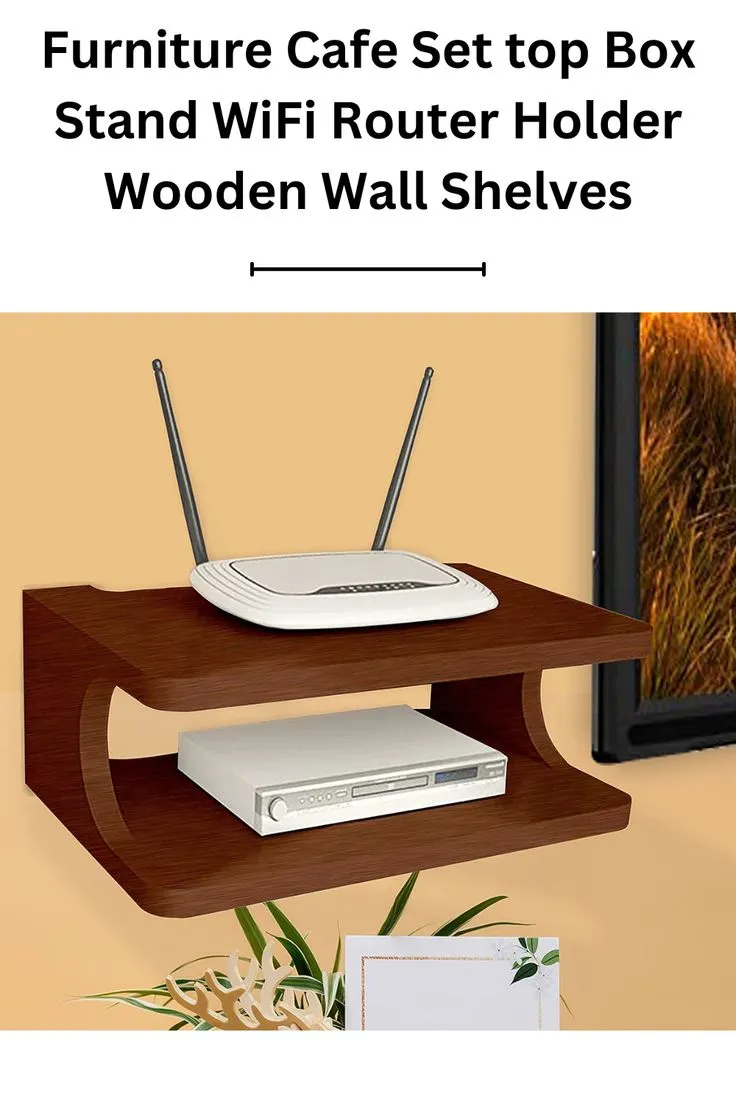
Photo: wireless router placed on shelf in modern American living room, via i.pinimg.com
When a home network starts underperforming, most users reach for the same two solutions: restarting the router or upgrading their internet plan. Both responses miss the most common root cause. In countless American households, the router is tucked away in a corner, buried in a cabinet, or shoved behind the television — positions that quietly strangle wireless performance no matter how fast the underlying connection is.
Relocating a router costs nothing. Understanding why placement matters so profoundly, however, requires a brief look at how wireless signals actually behave.
How WiFi Signals Travel Through a Home
Wireless signals radiate outward from a router's antennas in roughly spherical patterns, weakening with distance according to a principle called the inverse square law. In practical terms, doubling the distance between a router and a connected device reduces signal strength by approximately 75 percent. That alone explains why a laptop in a far bedroom might struggle while a phone next to the router performs perfectly.
Distance, however, is only part of the equation. WiFi signals operate on radio frequencies — primarily 2.4 GHz and 5 GHz — and those frequencies interact with physical materials in predictable but often underestimated ways.
- Concrete and brick walls absorb and scatter wireless signals aggressively, reducing signal strength by as much as 10 to 15 decibels per wall.
- Metal surfaces reflect signals, creating interference patterns and unpredictable dead zones.
- Water is a particularly effective absorber of 2.4 GHz signals — which means a large fish tank, a water heater, or even a refrigerator can meaningfully degrade wireless performance.
- Glass and drywall are relatively permissive, though multiple layers still accumulate losses.
The 5 GHz band delivers faster speeds but attenuates more rapidly through obstacles. The 2.4 GHz band travels farther and penetrates walls more effectively but is far more susceptible to interference from neighboring networks, microwaves, and older cordless phones.
The Most Damaging Router Placement Mistakes
Placing the Router on the Floor
A router positioned on the floor broadcasts a significant portion of its signal downward — directly into the subfloor or foundation. In a single-story home, that represents wasted signal capacity. In a multi-story home, it means the upper floors receive coverage that is both weaker and less reliable. Elevating the router to waist height or higher is one of the simplest and most impactful adjustments available.
Hiding the Router Inside a Cabinet or Entertainment Center
Cabinet enclosures create a wireless cage effect. Wood panels, metal hardware, and neighboring electronics all absorb and reflect signal before it even reaches open air. Many users report dramatic improvements simply by moving their router from inside an entertainment center to the top surface of a nearby shelf.
Positioning the Router in a Corner or Against an Exterior Wall
Corner placement is appealing for cable management reasons, but it directs a substantial portion of the signal through exterior walls and out of the home entirely. Centering the router within the living space ensures that coverage radiates inward, toward the devices that actually need it.
Proximity to Other Electronics
Microwaves, baby monitors, wireless speakers, and certain smart home devices all operate on frequencies that overlap with standard WiFi bands. Positioning a router near any of these devices invites interference that manifests as intermittent drops, reduced throughput, and erratic latency.
Room-by-Room Placement Strategy
Single-Story Homes
For a single-level floor plan, the geometric center of the home is the ideal starting point. This is not always practical — internet service typically enters the home at a fixed location — but the goal is to minimize the distance between the router and the farthest devices. If the modem is locked to one side of the home, consider using a longer coaxial cable or ethernet run to reposition the router more centrally.
Living rooms and home offices are generally strong candidates for router placement due to their open floor plans and the density of devices that typically operate there.
Multi-Story Homes
In a two-story home, the optimal position is often on the upper level of the first floor or the lower level of the second floor — essentially the midpoint of the vertical space. This allows the signal to propagate both upward and downward with relatively equal efficiency. Stairwells can serve as useful signal pathways between floors since they represent open air rather than structural material.
Apartments and Condos
High-density living situations introduce an additional challenge: neighboring networks. In a building with dozens of WiFi networks operating simultaneously, channel congestion becomes a serious performance factor. Positioning the router away from shared walls reduces cross-network interference. Accessing the router's admin panel to manually assign a less congested wireless channel — rather than relying on the default automatic selection — can yield noticeable improvements in these environments.
When Placement Alone Is Not Enough
Some floor plans, particularly large open-concept homes, older homes with plaster walls, or residences with detached garages and outdoor coverage requirements, present challenges that a single router cannot fully address regardless of placement.
In these cases, a mesh networking system — which uses multiple nodes distributed throughout the space — is a more appropriate solution than continued repositioning. However, mesh systems still benefit from thoughtful node placement; the same physical principles apply.
For homes that simply need coverage extended to one or two additional areas, a wireless access point connected via ethernet to the primary router offers reliable performance without the signal degradation associated with wireless range extenders.
A Practical Approach to Testing Your Current Setup
Before committing to a new router location, it is worth mapping your current signal distribution. Most smartphones can display WiFi signal strength in decibel-milliwatts (dBm) through free network analysis applications. Walking through each room of the home while monitoring signal strength provides a data-driven baseline.
As a general reference:
- -50 dBm or better: Excellent signal, suitable for all activities
- -60 to -70 dBm: Adequate for most browsing and streaming
- -70 to -80 dBm: Marginal; video calls and high-bandwidth tasks may struggle
- Below -80 dBm: Functionally unusable for most modern applications
Document the readings, identify the weakest areas, and then retest after repositioning the router. The results frequently justify the effort.
Final Considerations
Router placement is one of those foundational elements of home networking that receives far less attention than it deserves. Before investing in upgraded hardware, extended warranties, or higher-tier internet service, verifying that the router is positioned to serve the space effectively is a logical and cost-free first step.
For households where repositioning reveals additional configuration needs — such as adjusting transmit power settings, switching wireless bands, or modifying channel assignments — those adjustments are accessible through the router's administrative interface. Taking the time to address both the physical and software aspects of router configuration produces the most consistent and reliable home network performance.