Mesh System or Better Router Placement? How to Choose the Right Fix for Your Wi-Fi Dead Zones
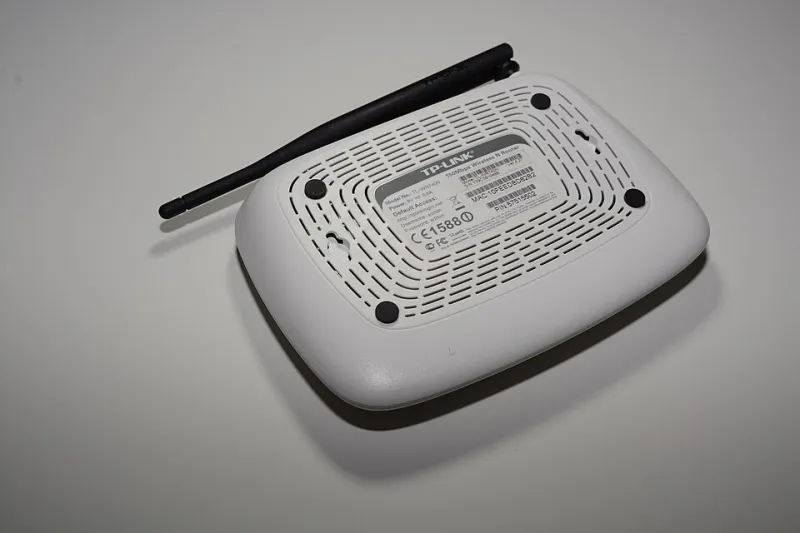
Photo: Hayden Schiff, CC BY 4.0, via Wikimedia Commons
The Mesh Marketing Problem
Walk into any Best Buy or browse Amazon's networking section and you will encounter a consistent message: mesh systems are the future of home Wi-Fi, and if you are experiencing coverage problems, a multi-node mesh setup is the upgrade you need. The products are attractively packaged, the reviews are compelling, and the promise of seamless whole-home coverage is genuinely appealing.
The reality is more nuanced. Mesh networking is a legitimate and effective technology — but it is not universally the right solution, and for a meaningful percentage of households, it addresses symptoms rather than root causes. Understanding the difference between a problem that requires new hardware and one that requires a smarter approach to existing hardware can save hundreds of dollars and considerable frustration.
What Mesh Systems Actually Do Well
To evaluate mesh fairly, it helps to understand what the technology genuinely excels at.
Mesh systems distribute network traffic across multiple nodes that communicate with one another, typically using a dedicated wireless backhaul channel or a wired connection between units. This allows the network to extend coverage across large square footage without the signal degradation and roaming handoff problems that plague traditional range extenders.
For certain home profiles, this architecture is a meaningful improvement. Large homes — generally those exceeding 3,000 square feet — often benefit from mesh deployment, particularly when the square footage is spread across a single sprawling floor plan. Homes with complex layouts, such as older properties with thick plaster walls, multi-wing designs, or detached garages and outbuildings that need coverage, are also reasonable candidates.
Multi-story homes where the primary router is located on a lower floor present another scenario where mesh can deliver genuine value, especially when the construction materials between floors impede signal propagation.
When Mesh Creates More Problems Than It Solves
Despite those legitimate use cases, mesh systems introduce their own complications — complications that are rarely emphasized in consumer marketing.
Wireless mesh backhaul, which is how nodes communicate with one another in systems that are not hardwired together, consumes bandwidth. In a three-node mesh system using wireless backhaul, each hop between nodes introduces latency and reduces the effective throughput available to client devices. For households with demanding use cases — competitive online gaming, 4K video streaming across multiple simultaneous devices, or large file transfers — this overhead can produce results that feel worse than a single well-positioned router.
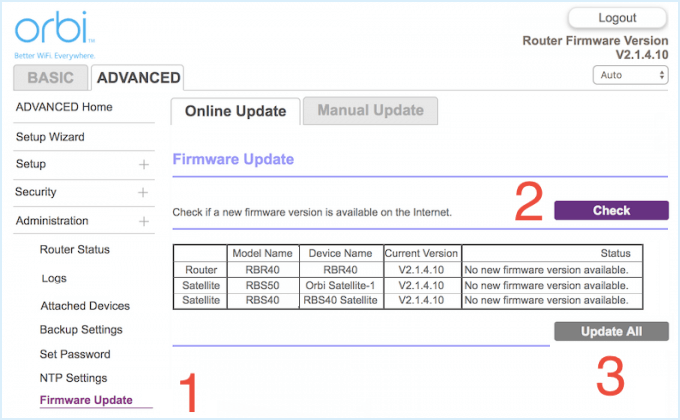
Mesh systems also introduce management complexity. Firmware updates must propagate across all nodes. Troubleshooting a connectivity issue requires identifying which node is involved. The seamless roaming that mesh promises can sometimes cause devices to hold onto a distant node rather than connecting to a closer one, a phenomenon that can be maddeningly difficult to diagnose.
Perhaps most importantly, mesh systems are expensive. A quality two-node mesh system from a reputable manufacturer typically costs between $200 and $400. A three-node system often runs $300 to $600 or more. If the underlying problem could be resolved by repositioning an existing router or adjusting a few configuration settings, that expenditure is difficult to justify.
Auditing Your Current Setup Before You Spend Anything
Before making any hardware decisions, conduct an honest audit of your existing network. This process takes less time than most people expect and frequently reveals that the perceived problem is not what it appears to be.
Map your signal strength. Free applications such as NetSpot (available for Windows and macOS) and Wi-Fi Analyzer (Android) allow you to visualize signal strength across your home. Walk through every room and note where signal drops occur. Pay particular attention to whether the drops are gradual — suggesting distance as the primary factor — or abrupt, which typically indicates a physical obstruction.
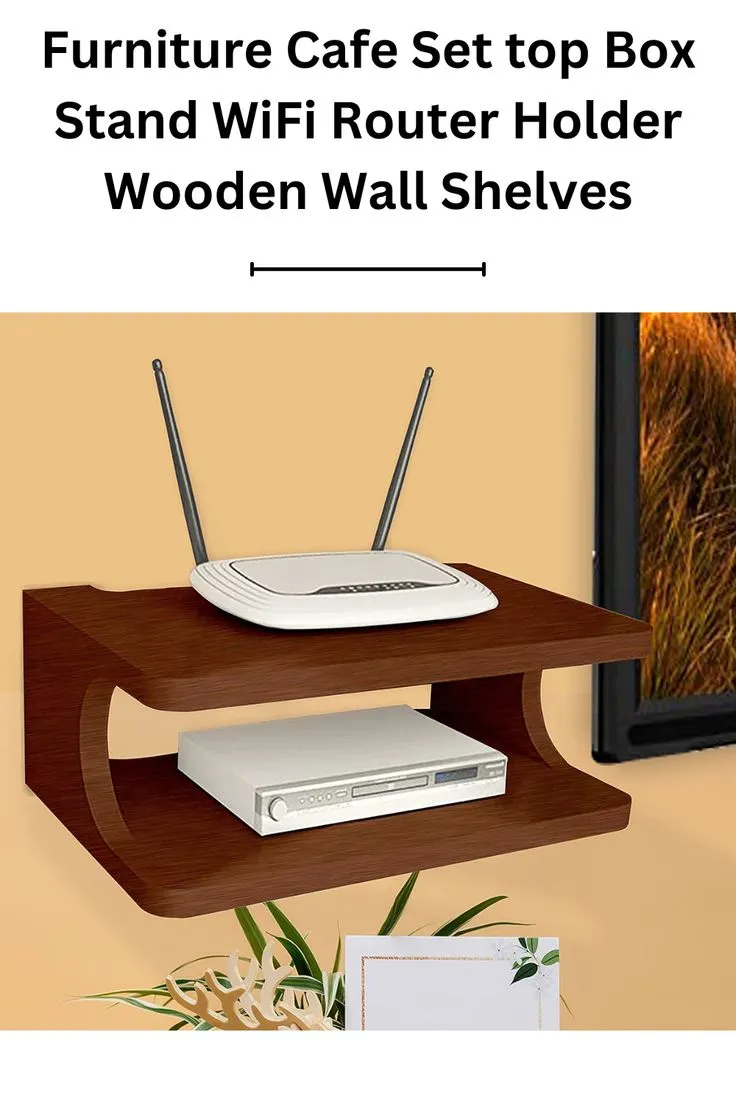
Identify your router's current position. If your router is tucked inside a cabinet, positioned in a corner of the home, placed near a microwave or cordless phone base station, or located on a lower floor while most devices are used on an upper floor, you have not yet tested what your current hardware is actually capable of. Router placement is one of the most significant variables in network performance, and it is almost always the first adjustment worth making.
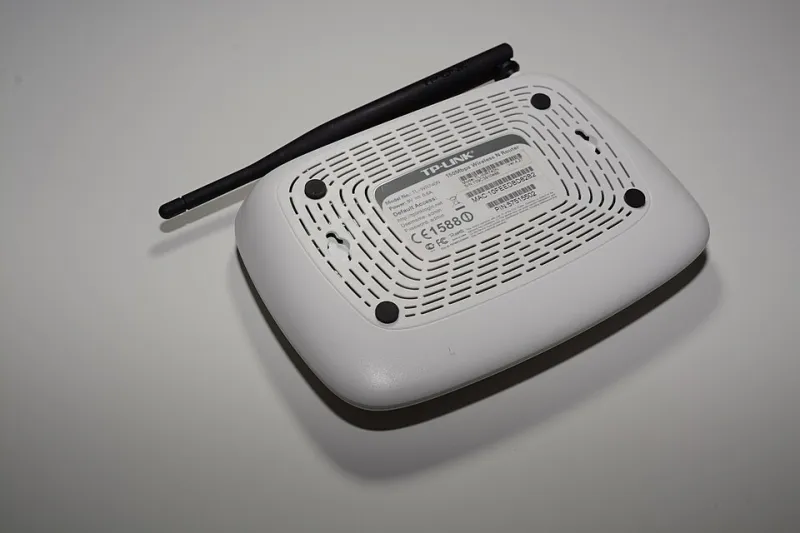
Check your router's age and specifications. A router more than five years old may lack support for the 5 GHz band, Wi-Fi 5 (802.11ac), or Wi-Fi 6 (802.11ax). If your devices support newer standards but your router does not, a single modern router positioned centrally may deliver dramatically better performance than your current setup — at a fraction of the cost of a mesh system.
Review your channel and band settings. In densely populated areas — apartment complexes, townhouse communities, suburban neighborhoods with closely spaced homes — channel congestion on the 2.4 GHz band is a common source of perceived dead zones. Logging into your router's admin panel and switching to a less congested channel, or enabling automatic channel selection, can produce noticeable improvements without any hardware changes.
Making the Decision: A Practical Framework
With your audit complete, the decision between mesh and non-mesh solutions becomes considerably clearer.
If your dead zones are concentrated in rooms that are simply far from a poorly placed router, reposition the router first. Central placement on the primary floor where most devices are used, elevated off the ground, away from metal objects and interference sources, is the single most cost-effective network improvement available to most households.
If repositioning is not practical due to where your ISP's coaxial or ethernet connection enters the home, consider a powerline adapter kit to extend a wired connection to a more central location, then connect your router there. This approach typically costs under $60 and avoids the overhead of wireless backhaul entirely.
If your home genuinely exceeds 3,000 square feet, has multiple floors, or includes areas that a single router demonstrably cannot reach regardless of placement, mesh becomes a reasonable investment. In that case, prioritize systems that support wired backhaul between nodes — running ethernet between node locations is more work but produces substantially better performance than wireless-only mesh deployments.
The Right Tool for the Right Problem
Mesh systems are not overpriced gimmicks — they are well-engineered solutions to specific network challenges. But they are sold broadly to an audience that, in many cases, would be better served by repositioning a router, updating firmware, adjusting channel settings, or replacing an aging single unit with a modern mid-range router.
The most reliable path to better Wi-Fi is not always the most expensive one. A methodical audit of what is actually happening on your network will consistently outperform any purchasing decision made on the basis of marketing alone.