The Hidden Price Tag on Your ISP's Gateway Device: Why Renting a Combo Unit Is Costing You More Than You Think
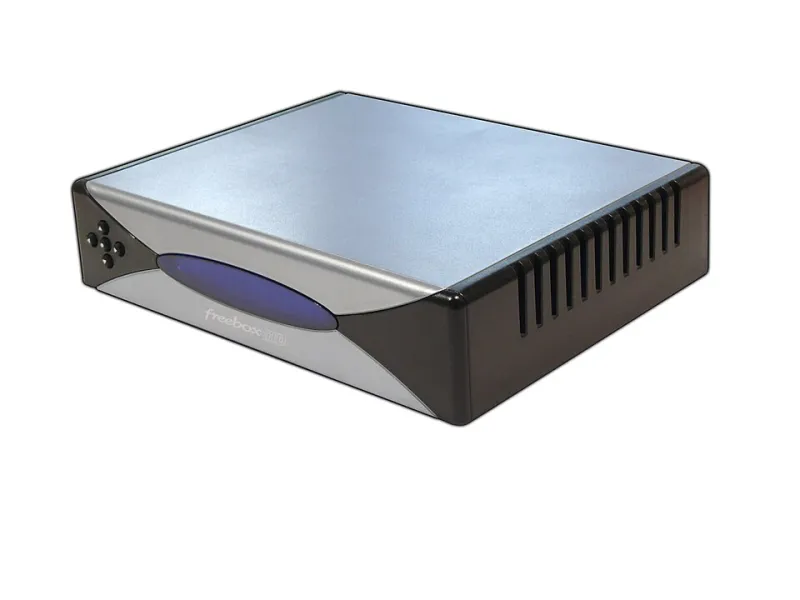
Photo: Weweje, Public domain, via Wikimedia Commons
When a technician from your internet service provider installs your home internet connection, they almost always leave behind a single compact device — a gateway unit that functions as both a modem and a router. It looks convenient. It works immediately. And for millions of American households, it never gets questioned.
But that device sitting on your shelf may be one of the least cost-effective and least secure pieces of hardware in your home. Understanding why requires a closer look at how these combo units are designed, who controls them, and what you sacrifice by relying on them long-term.
What Is a Combo Gateway Unit, and Who Really Controls It?
A modem-router combination — often called a gateway — is a single device that handles two distinct networking functions. The modem portion translates the signal from your ISP's infrastructure (whether cable, fiber, or DSL) into a format your devices can use. The router portion then distributes that connection across your home network, managing traffic and assigning IP addresses.
The critical detail most customers overlook is this: the device belongs to the ISP, not to you. Even if you are paying a monthly rental fee — which typically ranges from $10 to $15 per month depending on the provider — the hardware remains under your provider's control. Comcast Xfinity, Cox, Spectrum, and AT&T all maintain the ability to push firmware updates, restrict certain configuration options, and limit the administrative access available to the end user.
This arrangement is not inherently malicious, but it does create a fundamental conflict of interest. The ISP's priority is network management at scale, not optimizing your individual home setup.
The Real Cost of Renting Hardware You Do Not Own
At $13 per month — a common mid-range rental fee — you are paying $156 per year for hardware you will never own. Over a four-year period, that amounts to more than $600 spent on a device that can be replaced outright for $100 to $250 depending on your connection type and performance needs.
The financial argument alone is compelling. But the costs extend beyond the monthly line item on your bill.
Upgrade cycles are controlled by your provider. When newer DOCSIS standards or improved Wi-Fi generations become available, ISPs typically roll out updated hardware on their own schedule — not yours. Customers on older rental units may go years without access to features that off-the-shelf equipment has offered for some time.
Vendor lock-in limits your options. If you switch providers, the gateway goes back. You start over. Customers who own their own equipment carry their modem and router to the next provider (provided it is compatible), reducing setup friction and preserving their network configuration.
Security Blind Spots Specific to ISP-Issued Devices
From a network security standpoint, ISP combo units introduce risks that are difficult to mitigate from the customer side.
Firmware updates are not always timely. When a vulnerability is discovered in a router chipset or embedded software, independent router manufacturers like ASUS, Netgear, and TP-Link typically release patches within days or weeks. ISPs, managing thousands of device models across millions of accounts, often take considerably longer to deploy the same fixes — if they deploy them at all on older hardware.
Administrative access is often restricted. Many gateway units limit which settings a customer can actually modify. Port forwarding rules, DNS configuration, firewall settings, and guest network controls may be partially or fully locked behind menus that simply do not exist in the customer-facing interface. This is not a minor inconvenience — it directly limits your ability to harden your own network.
Default credentials are widely documented. ISP-issued gateways frequently share default login credentials across entire device models. These credentials are publicly catalogued online. While changing your admin password is always recommended, the underlying firmware on a locked device may retain service-level backdoor access that customers cannot audit or remove.
Double NAT complications. When customers add a separate router behind an ISP gateway that is also functioning as a router, they create a double NAT situation — two devices both performing network address translation. This can degrade performance, complicate port forwarding, and create inconsistent behavior for gaming, VoIP, and remote work applications.
Choosing Independent Equipment: What to Look For
Switching to your own modem and router is a straightforward process for most US internet connections, but compatibility matters.
Step 1: Identify your connection type.
- Cable internet (Xfinity, Cox, Spectrum): You need a DOCSIS modem. Look for DOCSIS 3.1 models, which are forward-compatible and support gigabit speeds. Approved modem lists are published by each provider.
- DSL or fiber: Many fiber connections (particularly with AT&T) use proprietary ONT hardware that cannot be replaced. In these cases, you may be limited to purchasing only a separate router and placing the ISP device in bridge mode.
- Fixed wireless or satellite: Typically requires the ISP's own hardware. Third-party routers can still be added downstream.
Step 2: Choose a separate router that matches your needs.
Keeping the modem and router as separate devices gives you the flexibility to upgrade each independently. For most households under 2,500 square feet with 20 to 30 connected devices, a Wi-Fi 6 router in the $80 to $150 range will deliver measurable improvements over a rented combo unit. Larger homes or users with heavy streaming and gaming demands may benefit from a Wi-Fi 6E or mesh-capable system.
Key specifications to evaluate:
- Wi-Fi standard: Wi-Fi 6 (802.11ax) is the current practical standard. Wi-Fi 6E adds the 6 GHz band for reduced congestion.
- Processor and RAM: More powerful hardware handles simultaneous connections more gracefully.
- Firmware support lifecycle: Check how long the manufacturer commits to security updates. This is often listed in product documentation.
- Admin interface depth: Look for routers that expose full DNS, firewall, QoS, and VPN configuration options.
Step 3: Notify your ISP.
Once your independent equipment is active, contact your provider to remove the equipment rental fee from your account and arrange return of their hardware. This step is frequently forgotten and can result in continued billing.
The Transition Is Simpler Than It Appears
Many customers avoid making this switch because they assume the setup process is technically complex. In practice, a standalone modem typically activates with a single phone call to your ISP's provisioning line. Most modern routers walk users through initial configuration via a mobile app or a straightforward browser-based interface.
The one-time investment of time and money pays dividends in ongoing savings, improved performance, and — perhaps most importantly — meaningful control over your own network security. For a resource like RouterLogin.net, where understanding your router's administrative interface is foundational, owning your own hardware is not just a financial recommendation. It is the baseline for taking your network seriously.