Silent Port Mappings: How UPnP Alters Your Router's Firewall Without Your Consent
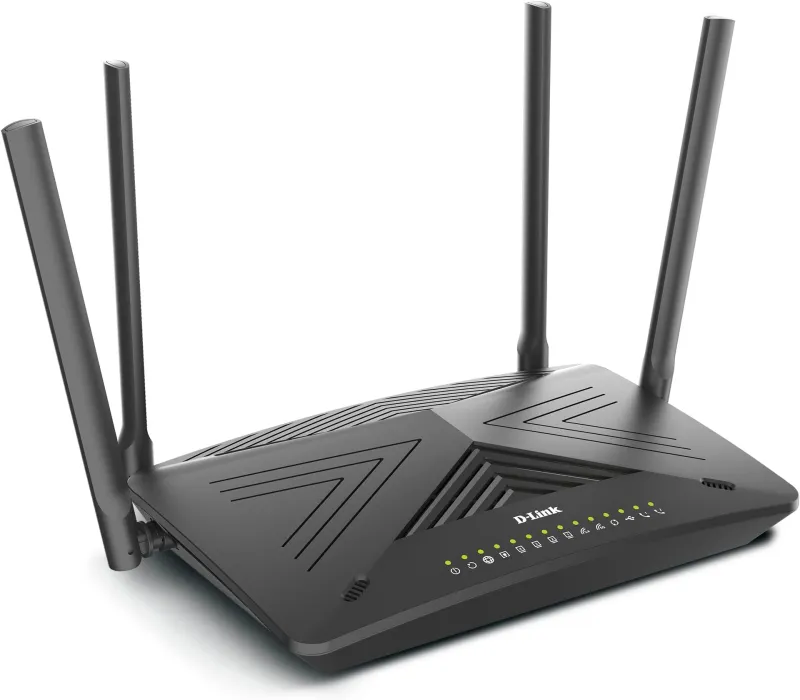
Photo: router administration interface port forwarding settings on laptop screen, via m.media-amazon.com
Plug in a new game console on a Saturday afternoon and, by evening, online multiplayer works. Install a home security camera and it becomes viewable from a phone on cellular data, with no port forwarding screen visited and no firewall rule written by hand. The feature responsible is Universal Plug and Play, usually abbreviated UPnP, and it is one of the few router functions that routinely changes a network's exposure to the internet without a person in the room agreeing to it.
What the Protocol Actually Does
UPnP is less a single specification than a family of them. On a home network the relevant piece is the Internet Gateway Device profile, which allows a client to discover the router, ask for the network's external address, and request that a port on the public side be forwarded to a port on the client. Discovery happens over multicast; the request itself is an ordinary control message in an HTTP-like format. The router complies, writes a mapping into its NAT table, and assigns the entry a lease. When the lease expires, or when the application renews it, the mapping changes again.
From the user's side, nothing appears. There is no confirmation dialog, no log entry most owners will ever look at, and no obvious sign in the router's interface that the network's posture has shifted. The application asked; the router agreed.
The Convenience Ledger
The feature exists because the alternative is unpleasant. Without automatic mapping, multiplayer gaming sessions land behind strict NAT, voice and video calls degrade, and a long list of consumer devices require manual configuration that most buyers will never attempt. UPnP solved a genuine problem for the ordinary household, and any criticism of it should begin by acknowledging that.
Where the Risk Begins
The protocol was designed for a trusted local network, and in the common Internet Gateway Device implementations it performs no authentication on mapping requests. Any device that can reach the router's control endpoint can open a port: a laptop, a phone, a smart television, or a light bulb whose firmware was last updated three years ago. A compromised appliance therefore does not merely sit on the network. It can request that the router expose a service to the internet.
Two historical episodes illustrate the pattern. In 2013, researchers scanning the public internet found millions of gateway devices answering UPnP requests from the WAN side, a configuration error that turned a local convenience feature into a wide-open door. In 2016, the Mirai botnet demonstrated how quickly compromised routers and cameras could be assembled into a disruptive network. Neither episode was caused by UPnP alone, but both were made easier by routers that trusted requests they should have refused.
A quieter problem is staleness. Mappings are tied to internal addresses, and a router handing out addresses by DHCP may later assign the same address to a different device. An old rule can end up pointing at hardware that never requested it.
Auditing What Is Already Open
Most routers that support UPnP include a page listing current mappings. It may be labeled UPnP, NAT Forwarding, Port Mapping, or Application Rules, and it is usually found in the advanced or firewall section of the admin panel.
Open that page and read it with three questions in mind. Which internal address does each rule point to, and is that address still assigned to the device you expect? How long is the lease, and does a rule persist for hours after the application closed? And is UPnP enabled on the WAN interface as well as the LAN, which some routers permit and almost no household needs?
Reading a Mapping Table
A typical table shows a description supplied by the requesting application, the external port, the internal address and port, the protocol, and a lease duration. Descriptions are often generic strings chosen by the software, so unfamiliar entries are not automatically malicious, but they do deserve identification.
Several patterns warrant attention: a rule pointing to an address no device currently holds, an external port associated with remote desktop or file sharing that nobody in the household configured, a lease measured in days rather than minutes, and a mapping whose internal address is the router itself. Any of these is grounds for removing the rule and investigating the device that requested it.
Replacing Automatic Rules with Manual Ones
The disciplined alternative to UPnP is a small set of explicit port forwarding rules. The process is straightforward on most consumer routers.
- Assign the device a fixed address, either through a DHCP reservation or a static configuration on the device itself.
- Create a forwarding rule naming only the ports and protocols the application genuinely needs.
- Test the service from outside the network, using cellular data rather than a device on the same Wi-Fi.
- Remove the rule when the need ends, rather than leaving it in place indefinitely.
- Record what was opened, for which device, and why, so a future audit does not start from zero.
Turning UPnP off entirely is the cleanest option, but it is not free. Some consoles will report a moderate or strict NAT type, and a handful of applications will fail until they are configured manually. That trade is reasonable for many households and unreasonable for others, which is why the decision should be made deliberately rather than left at the factory default.
A Middle Path Worth Considering
Households with a large collection of inexpensive connected devices have a third option: place those devices on an isolated guest or IoT network, keep automatic mapping confined to that segment if the router supports per-interface control, and leave the primary network with UPnP disabled. A camera that opens a port on an isolated segment is a smaller problem than one that opens a port on the same network as a work laptop.
How Often to Look
UPnP settings have a way of reappearing. A firmware update can restore defaults, a factory reset erases a carefully built rule set, and every new device added to the network is a new party capable of requesting exposure. A brief review after each of those events, and once a quarter regardless, keeps the mapping table close to what the household actually intended.
The feature is not malicious, and the protocol is not broken in any single obvious way. It simply does what it was designed to do, quietly, which is precisely why it deserves a periodic look.