One Password, Many Hands: Auditing Who Really Holds the Keys to Your Router
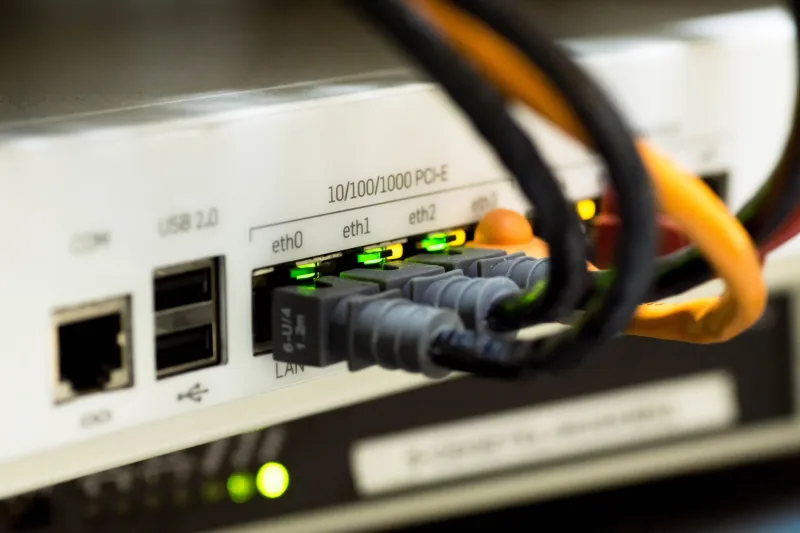
Photo: Shinhoyoung, CC BY-SA 4.0, via Wikimedia Commons
The password everyone knows and no one owns
In most American homes the router has exactly one administrator password, and it lives in a strange kind of committee custody. One spouse set it up years ago. A roommate was told verbally. A technician who installed a smart thermostat was handed it on a piece of paper and never asked to give it back. Somebody's adult child knows it from a visit in 2023. No single person could list everyone who holds it.
That arrangement works quietly until it does not. The symptoms rarely announce themselves as a security problem. They arrive as a settings page that will not save, a login screen that reappears in the middle of a change, or a port forwarding rule nobody remembers creating.
What actually happens when two administrators log in at once
Consumer router firmware handles concurrent sessions inconsistently, and the behavior is worth understanding before you blame the hardware.
- Single-session devices invalidate the earlier login the moment a new one succeeds. The first person, mid-edit, is silently logged out and their save fails.
- Limited-session devices permit two or three simultaneous connections and refuse the next one, which surfaces as a rejected password that is in fact correct.
- Leaky-session devices keep stale entries in memory until the router reboots, so the table of active administrators slowly fills with ghosts.
The idle timeout compounds this. Most panels log you out after five to fifteen minutes without activity, and some reset that timer only on page loads, not on typing. A long firmware upload or a slow Wi-Fi settings page can outlast the session.
One further wrinkle: many routers throttle or temporarily block an address after several failed logins. Because every device in the house shares one public address, a forgotten password on a phone in the kitchen can lock out the desktop in the study. When someone reports being locked out for no reason, a second person fumbling the credentials is often the explanation.
Why this is a security issue and not just an annoyance
Shared credentials remove attribution. If an unfamiliar device appears on the network or remote management gets switched on, nobody can say who made the change. The password itself tends to degrade over time in predictable ways: it gets texted, spoken aloud in front of a contractor, reused from an email account, or written on a sticky note beneath the router.
There is also the question of scope. The administrator password grants full control of the gateway, DNS settings, firewall rules, and device-level parental controls. Guests, housekeepers, and visiting technicians almost never need that. They need the guest Wi-Fi password, which is a different credential entirely and should be treated as one.
Map the roles before you map the accounts
Write down every person or service that has needed access in the past two years, then decide what each one genuinely requires.
- Household adults: full administration.
- Teens and older children: guest network access, plus parental controls applied from the adult account.
- Guests and visitors: the guest Wi-Fi passphrase only, rotated after long stays.
- Technicians and installers: temporary access, revoked the same day.
- Smart-home installers: usually need nothing on the router; the devices join the network like any client.
- Landlords or property managers: only in shared-building arrangements, and only if the router is theirs.
If a role does not need to change router settings, it does not need the administrator password. This one rule eliminates most of the sharing problem.
Separate administrator accounts, where the firmware offers them
Many consumer routers still ship with a single account and no concept of roles. Some mesh systems and nearly all small-business routers support named accounts with permissions split between full administrator, read-only, and guest or network-only access.
Check the administration menu for a users, accounts, or access control section. Where it exists, create a named account for each adult, keep one master credential in a password manager, and use read-only access for anyone who only needs to check the connected device list. Where it does not exist, accept the constraint and compensate with rotation and clear ownership: one person is the designated holder, and everyone else asks them.
A quarterly routine that takes fifteen minutes
- Log in from a wired connection if one is available. Wired sessions are less likely to time out mid-change.
- Open the connected devices list and compare it against what you expect to be in the house.
- Look for an active sessions or logged-in users page. Reboot the router afterward to clear any stale entries.
- Review logs for failed login attempts clustered around times nobody was home.
- Change the administrator password, update it in the password manager, and retire the old one everywhere it was written down.
- Confirm remote administration is off unless you deliberately use it.
- Confirm the firmware is current, since session handling bugs are a recurring firmware fix.
- Note the date and the new holder in a household document.
When to stop auditing and start over
If you cannot produce a complete list of people who know the current password, the account is already out of your control. A factory reset followed by a clean rebuild is faster than chasing the history of a credential that has been loose for years. Export or photograph your current configuration first, rebuild deliberately, and set the new password the same evening.
Control of the admin account is the foundation every other network decision rests on. It is worth an hour of housekeeping once a quarter.